
Support
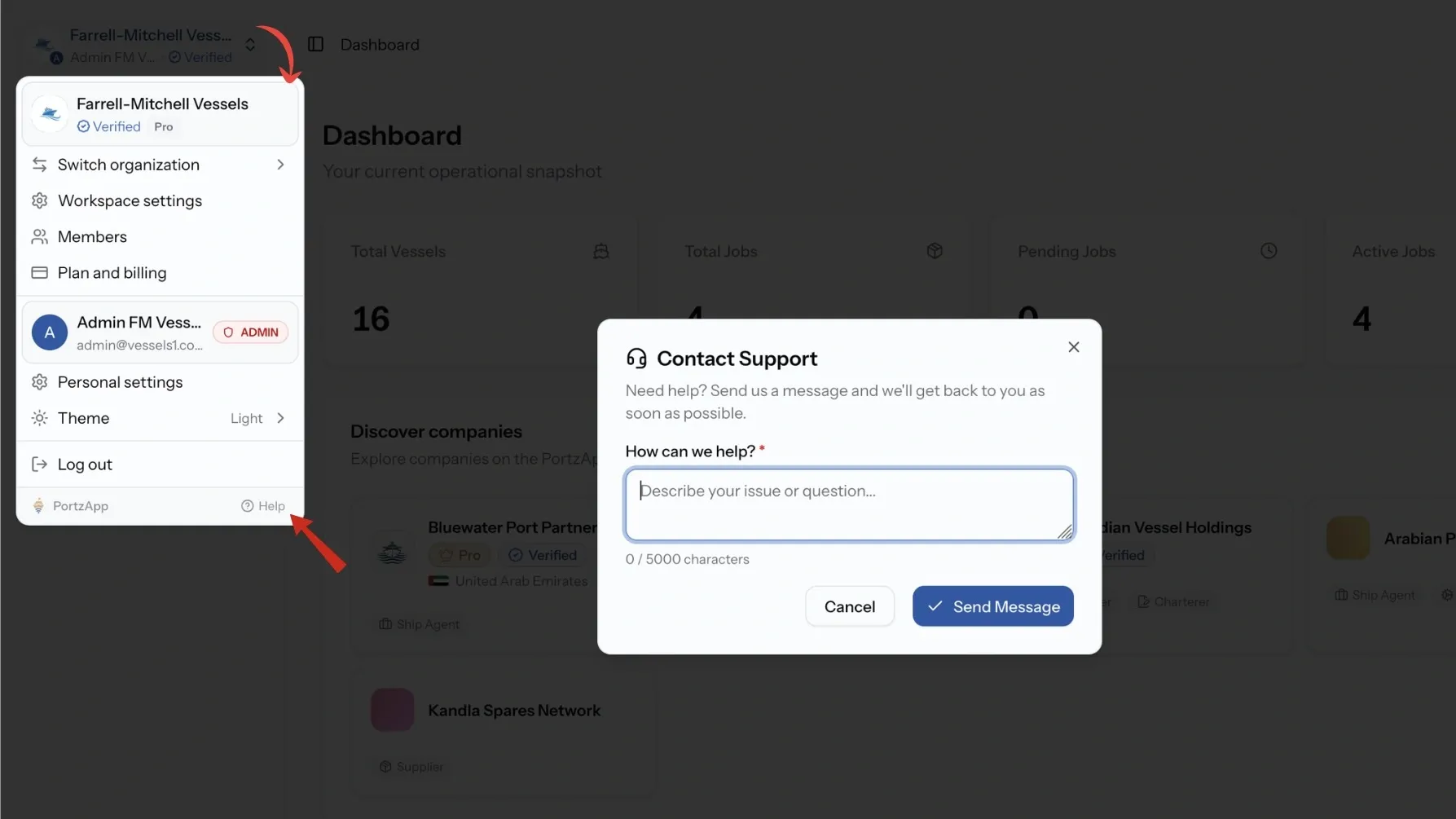
When something is missing or unclear, you can raise it without leaving PortzApp. Ports and service categories are curated, so if one you need is not there, you ask for it and the team adds it.
Key takeaways
- Contact the team from inside the app, or through the contact form on portzapp.com.
- Missing port or service category? Ask from the screen where you noticed it.
- Approved additions go into the catalogue for everyone, not just you.
- Support replies arrive by email. Requests are not listed in your workspace.
Contacting the team
Use the support option inside PortzApp, or the contact form on the website if you cannot sign in. Include the request, job, or port call number when your question is about a specific piece of work, since it saves a round of back and forth.
You will get a reply by email. Support requests are not listed in your workspace, so the conversation continues in your inbox rather than on the platform.
Asking for a missing port
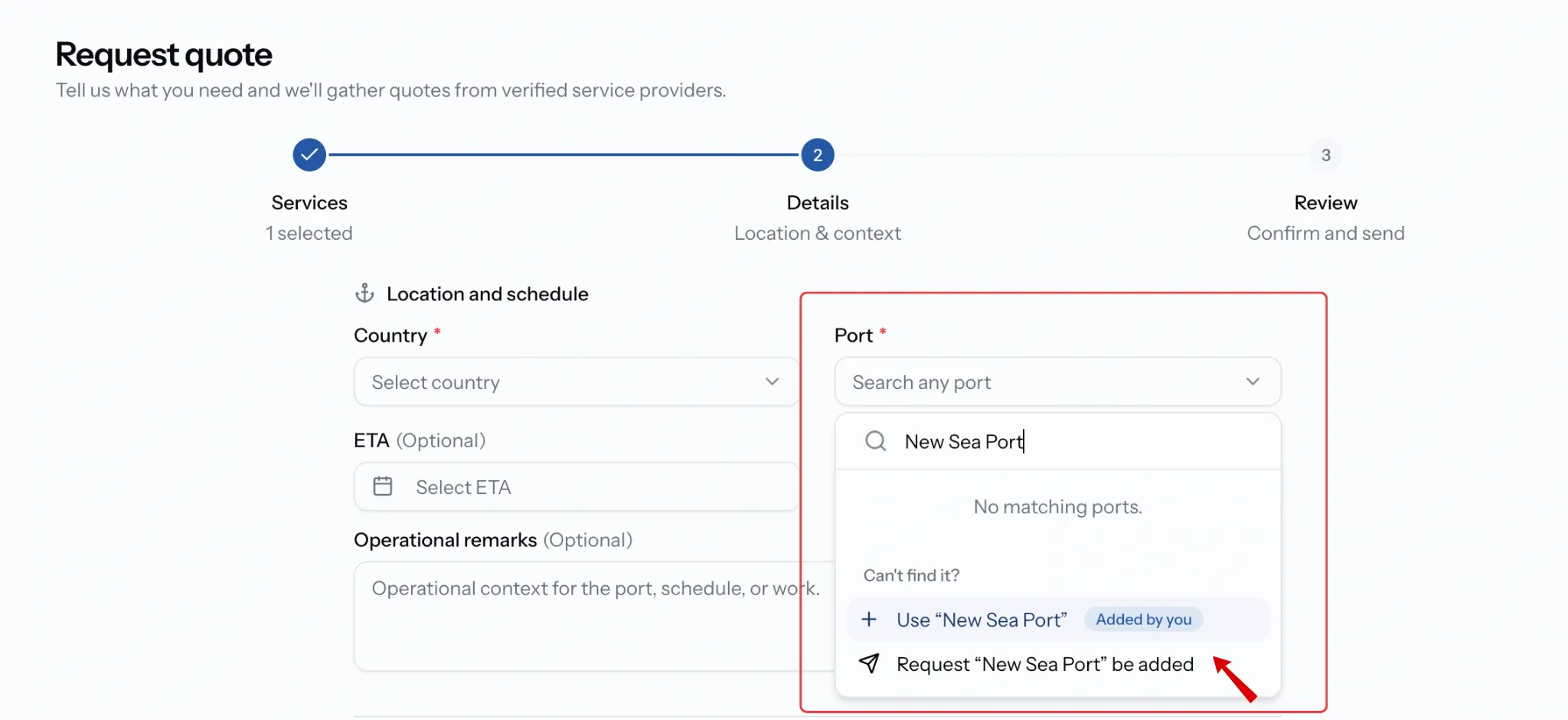
Ports come from a curated list, so a port that has not been added yet will not appear when you build a request. Use Request a port and describe the one you need, with enough detail for the team to identify it.
You do not have to wait. Type the port name into the request and it carries as a custom port, so your request can go out today while the catalogue catches up.
Asking for a missing service category
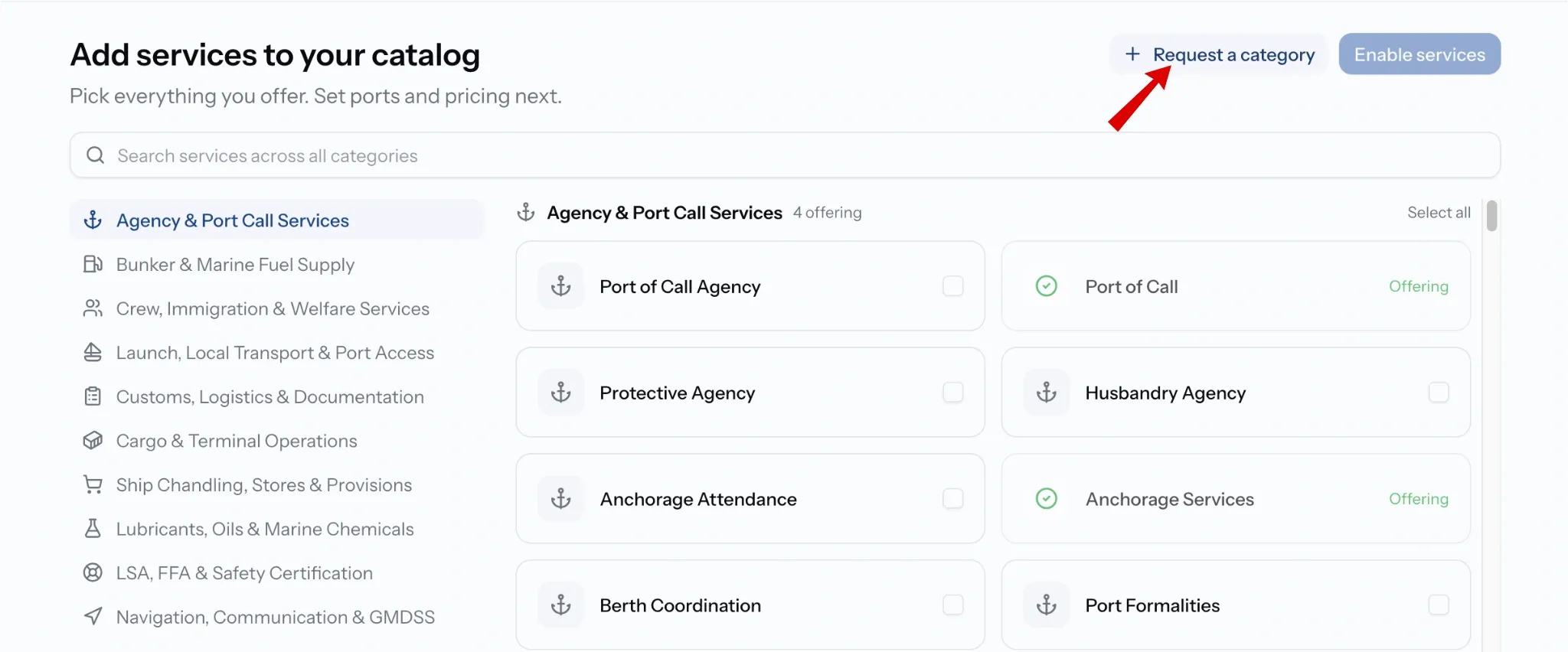
Service categories work the same way. If what you offer is not in the catalogue, use Request a category from service setup and the team reviews it. Once added, it is available to every company on PortzApp.
Buyers have the same option when building a request: type the service you need and it carries on the request, whether or not it exists in the catalogue yet.
Replaying the guided tours
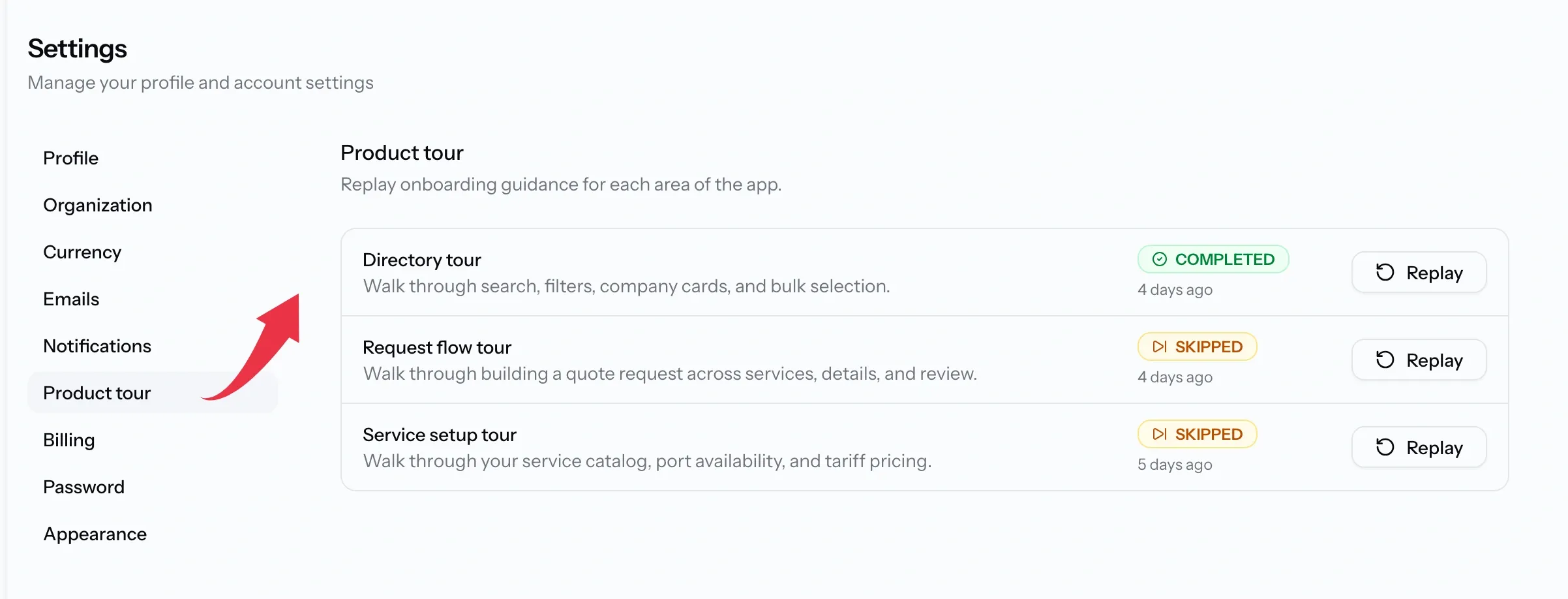
PortzApp includes short tours for the directory, the request flow, and service setup. If you skipped one during setup, or a new colleague needs it, replay any of them from Settings, Product tour.
Common issues
My requested port has not appeared
Port requests are reviewed by hand. In the meantime type the port name into your request so you are not held up.
I cannot find my support request
Support requests are not listed in your workspace. The team replies by email, so check your inbox.