PortzApp vs Email Procurement
Email is still how most maritime teams run port calls. Here is how it typically works today.
How it works today
Email works well for occasional port calls with a small group of trusted providers. As operations grow, details scatter across threads, attachments, and inboxes, and teams spend time forwarding updates, chasing responses, and rebuilding context.
PortzApp brings port call coordination into one shared workspace. Teams and providers manage requests, quotations, documents, and job-specific chat in one place, with every activity connected to the port call.
How PortzApp supports port call coordination
Keep every message, document, and status update connected to the job it belongs to. Both sides work from the same record instead of piecing it together from email threads.
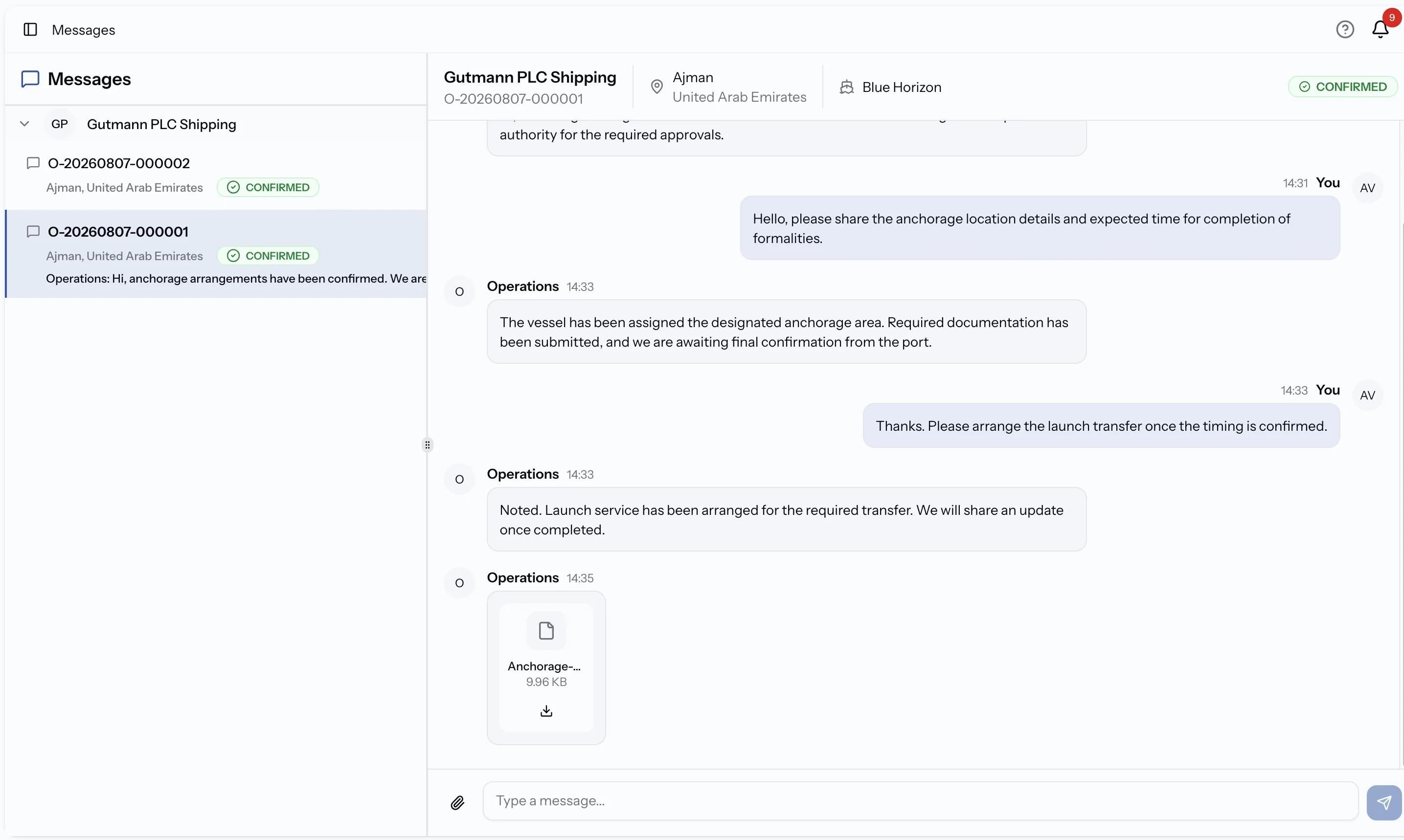
Chat that lives with the job
Every message stays tied to the job it's about, with sender, timestamp, and attachments inline. No forwarding for context, no hunting through threads.
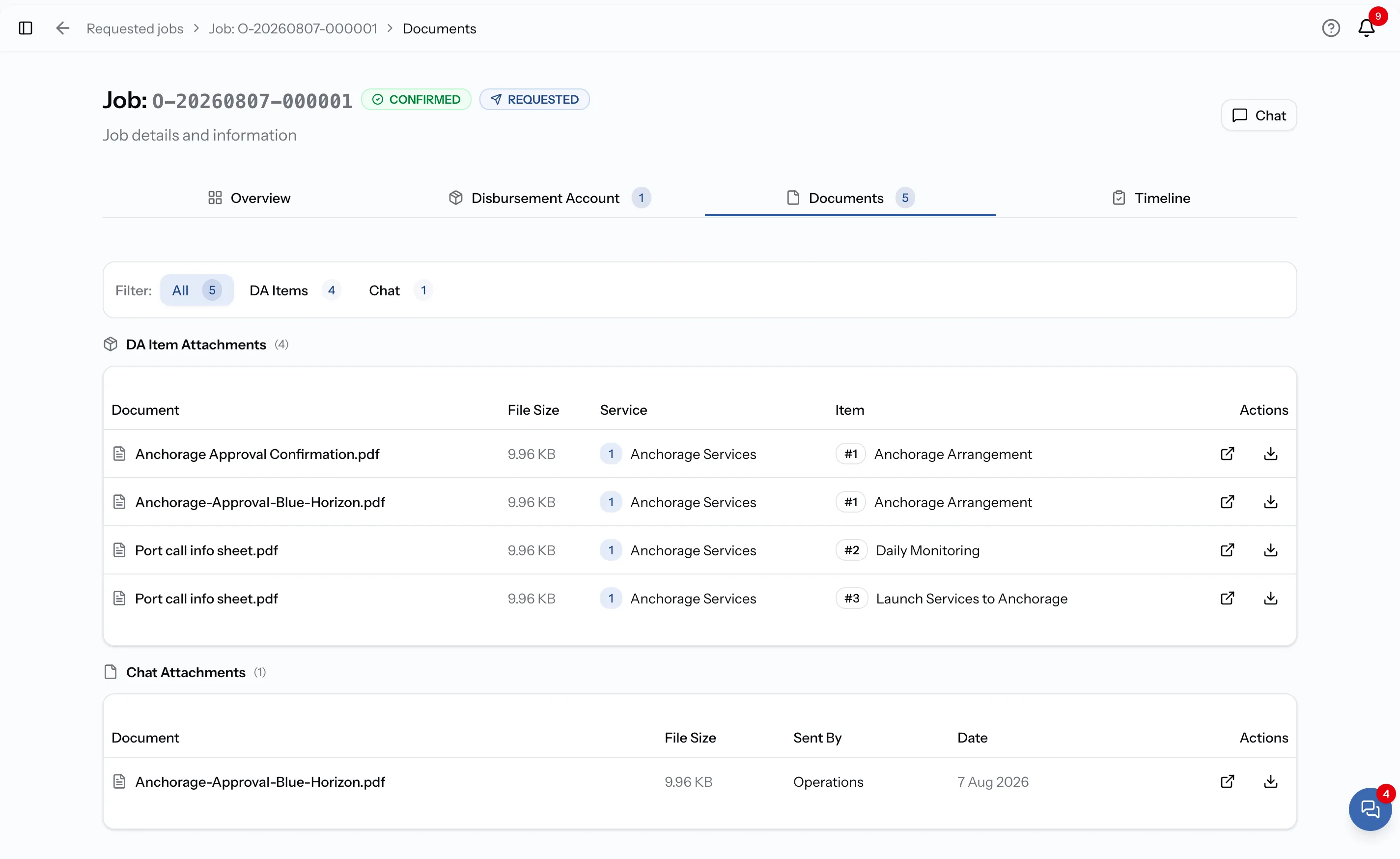
Every document filed under the job
DA items, port clearance, invoices, and chat attachments are grouped under the job they belong to.
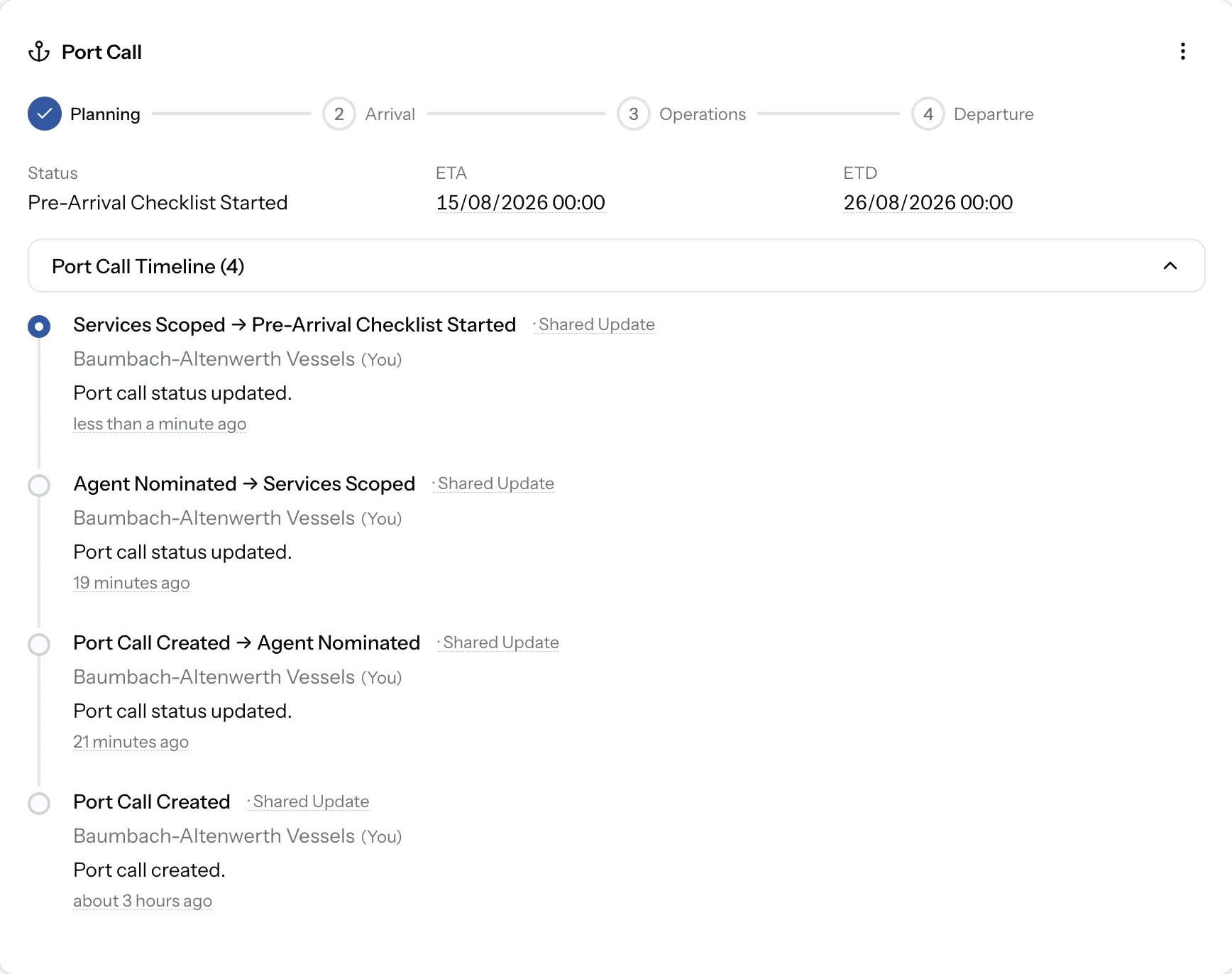
A shared port call timeline
Port call status changes flow into a shared timeline the whole team can see. Skip the manual forwarding, get a clean audit trail by default.
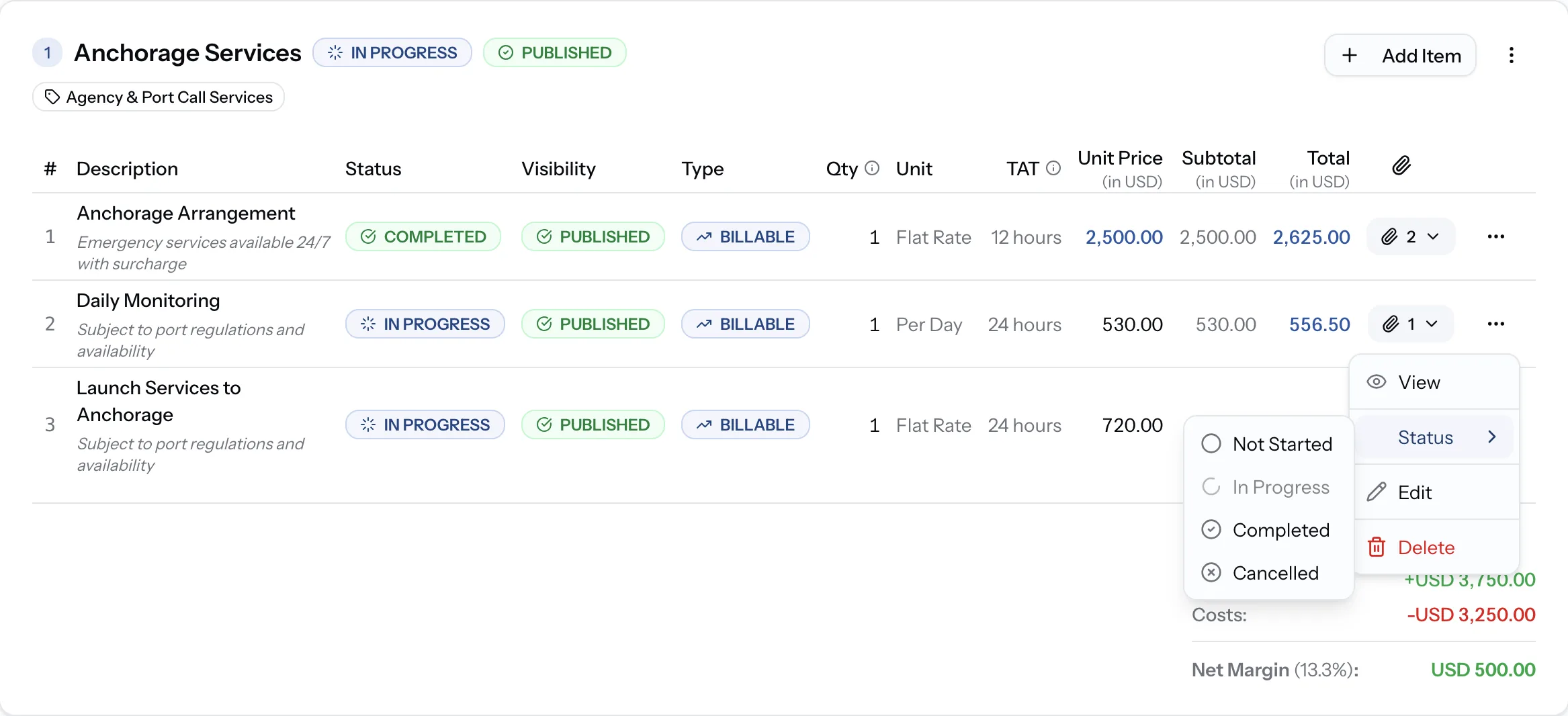
Status on every line item
Providers update the status of each tariff item as work progresses. Owners see live status in-app and receive automated emails for important updates.
See PortzApp in action
A quick walkthrough of the platform, highlighting key features and workflows.
Side by side
 PortzApp
 Structured request in one form
Email plus attachments
Verified marketplace search
Contacts and referrals
One shared workspace
Threads and attachments
Structured, comparable quotes
Mixed formats across threads
Centralized comparison view
Manual spreadsheet build
Chat connected to each job
Scattered email threads
Shared workflow status
Email updates and follow-ups
Automated notifications
Manual forwarding
Shared job history
Forwarding emails for context
Organized per port call
Scattered across threads
Clear activity history
Reconstruct from emails
Connected to job workflow
Manual matching across sources
PortzApp Creating requests
Structured request in one form
Email plus attachments
Finding providers
Verified marketplace search
Contacts and referrals
Sharing information
One shared workspace
Threads and attachments
Receiving quotations
Structured, comparable quotes
Mixed formats across threads
Comparing options
Centralized comparison view
Manual spreadsheet build
Job communication
Chat connected to each job
Scattered email threads
Tracking progress
Shared workflow status
Email updates and follow-ups
Operational updates
Automated notifications
Manual forwarding
Team collaboration
Shared job history
Forwarding emails for context
Documents
Organized per port call
Scattered across threads
Audit trail
Clear activity history
Reconstruct from emails
Settlement process
Connected to job workflow
Manual matching across sources
More with PortzApp
Beyond replacing email threads, PortzApp connects the rest of the port call in one workspace.
Structured RFQs
Create requests and compare responses in one place.
Port call workspace
Keep conversations, documents, and updates connected to each port call.
Financial workflows
Build proforma and final disbursement accounts from job data.
Settlement
Support structured payments in multiple currencies.
Team access
Give teams shared access with roles and permissions.
Operational visibility
Track port call progress, costs, and provider activity in one place.
When email still works
Email can work well for occasional port calls managed by a small team with a limited number of trusted providers. PortzApp becomes valuable when operations grow, more stakeholders are involved, teams need better visibility, or maintaining complete job history becomes important.
Move your next port call to PortzApp
Start with one port call and experience a more structured way to manage providers, quotations, communication, documents, and operations. Continue using your existing processes where needed and move more workflows to PortzApp as your team gets comfortable.