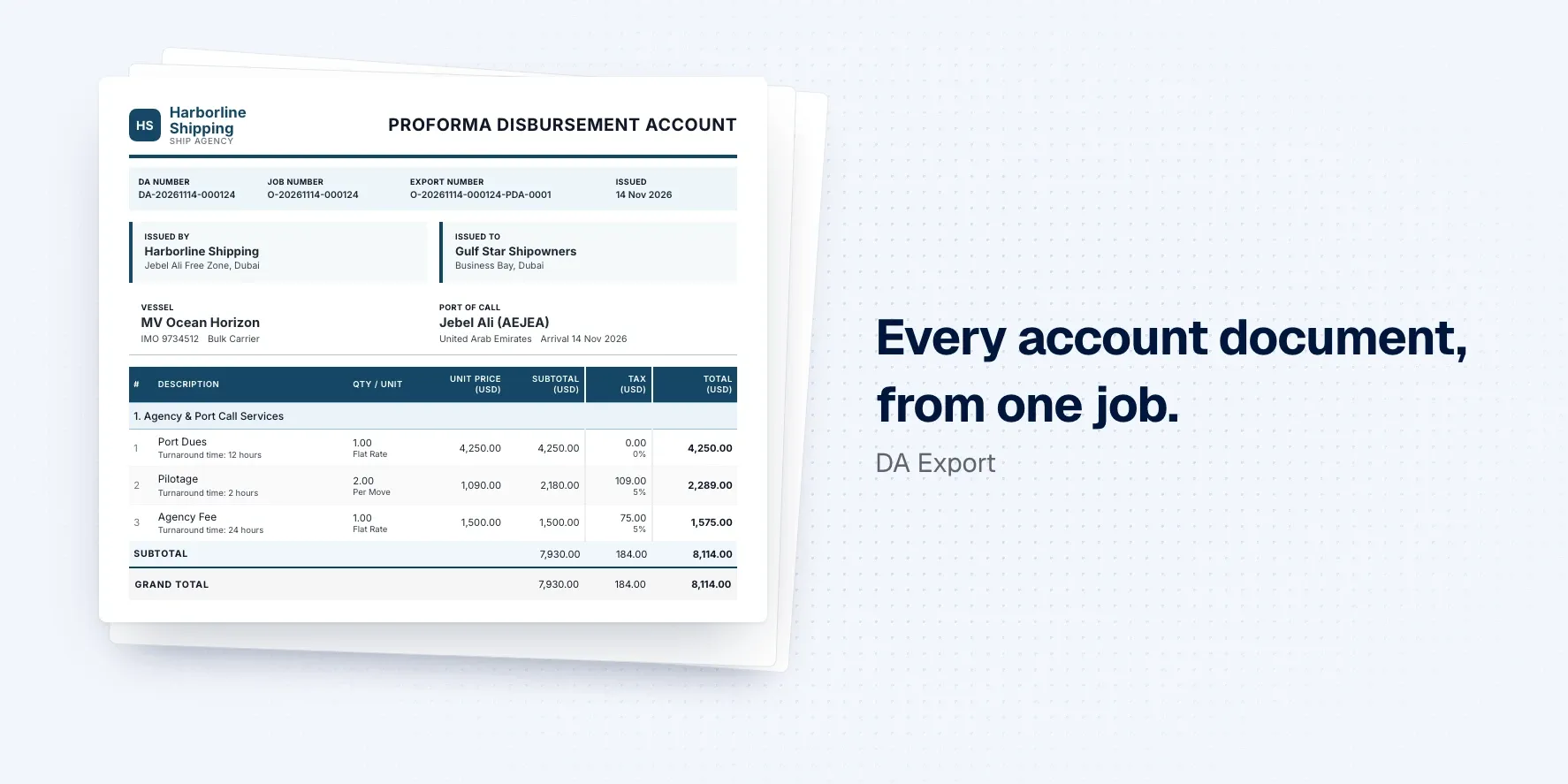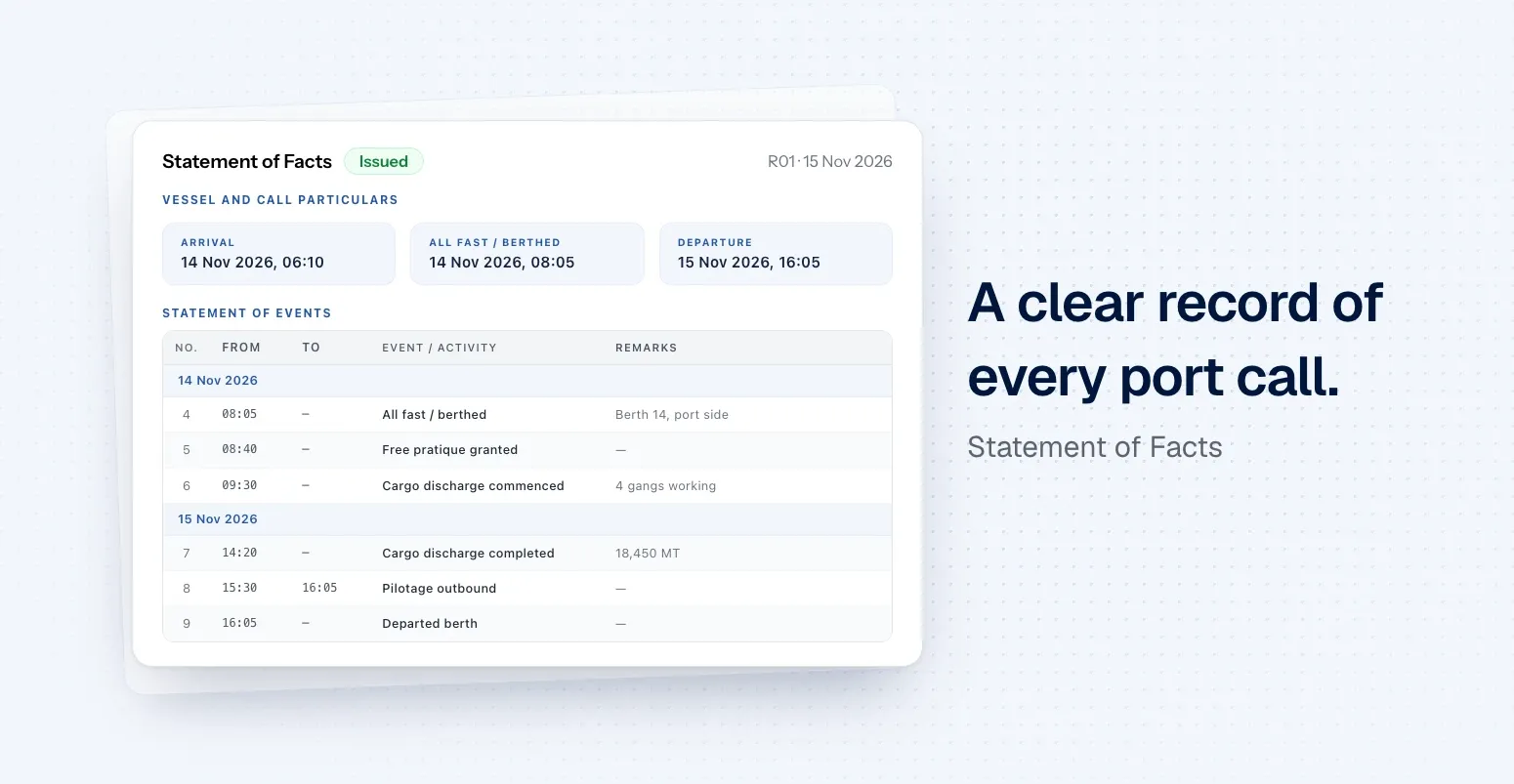
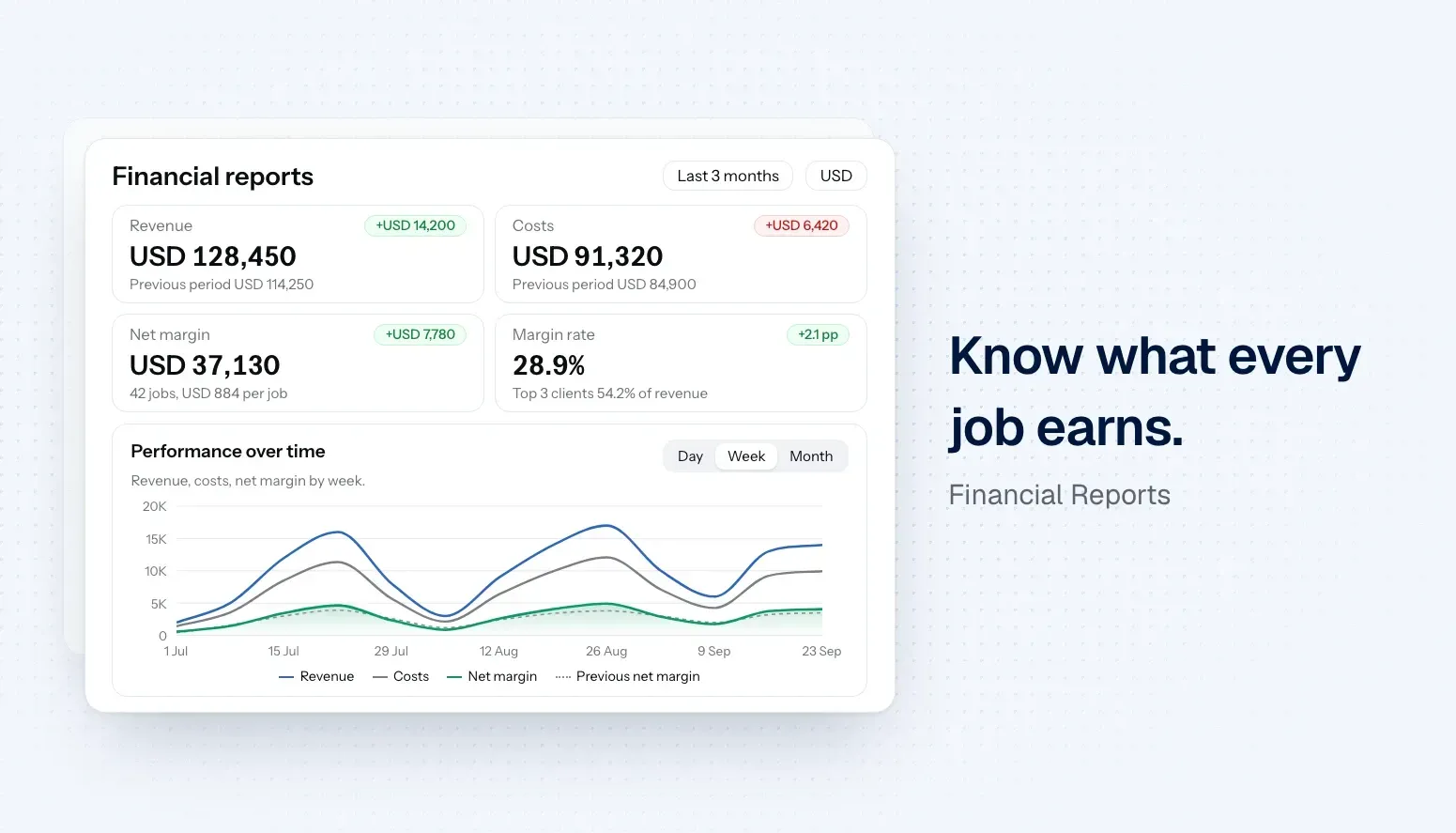
Financial reports give your business a clear view of how it's performing, with revenue, costs and margin across every job, compared with the period before. Whether you're a ship agent, supplier, vendor, freight forwarder or broker, spot your most profitable clients and services, export the numbers or get a summary by email.
See how your business is really doing
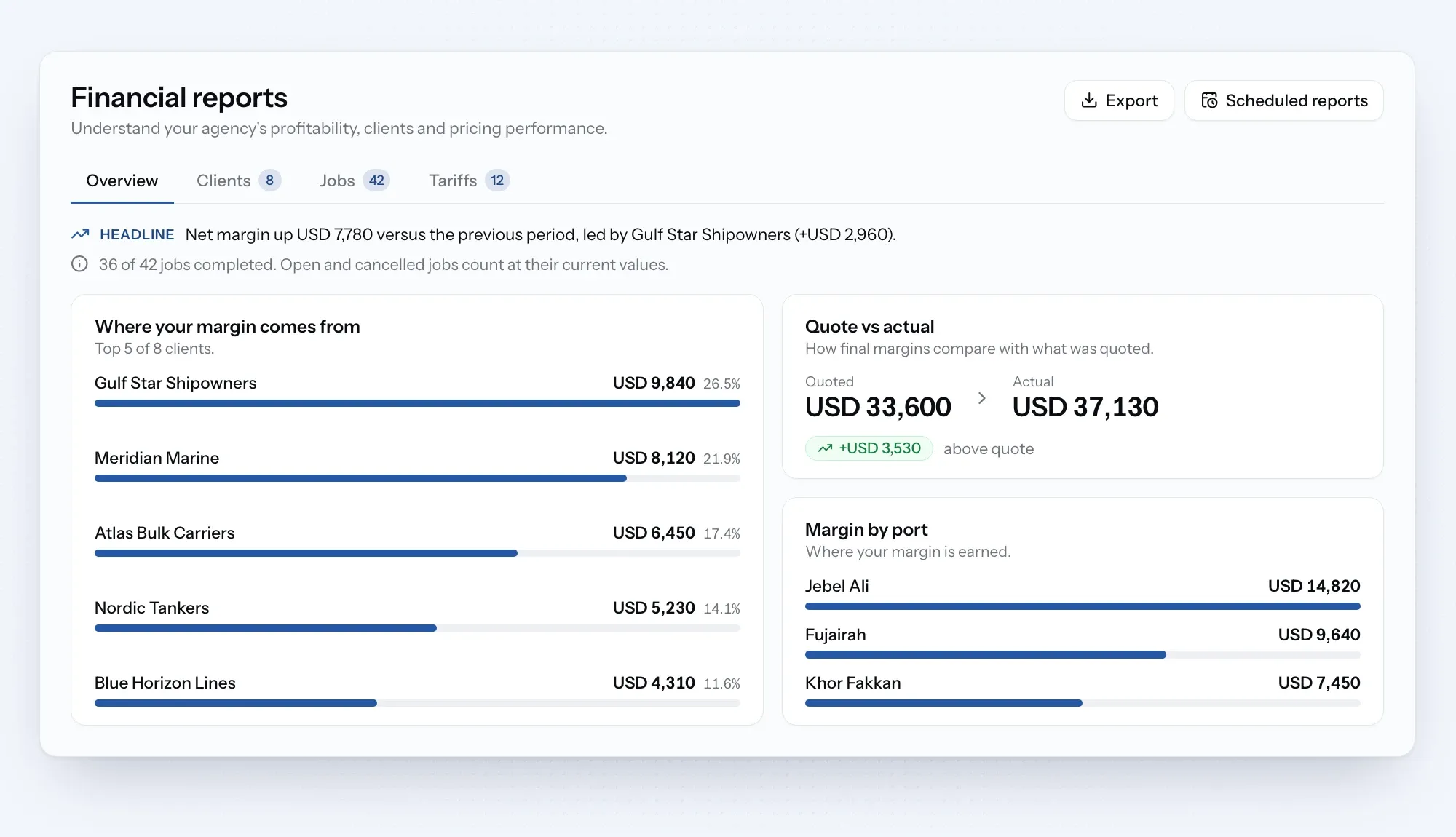
Financial reports bring revenue, costs and margin from every job into one place, compared with the period before. See which clients, ports and tariff items earn you the most, and how your quotes compare with what you actually made.
Open Financial reports from the sidebar, under Your Business. Pick a period, filter by client or job type, and view the figures in the currency you need.
Reports that come to you
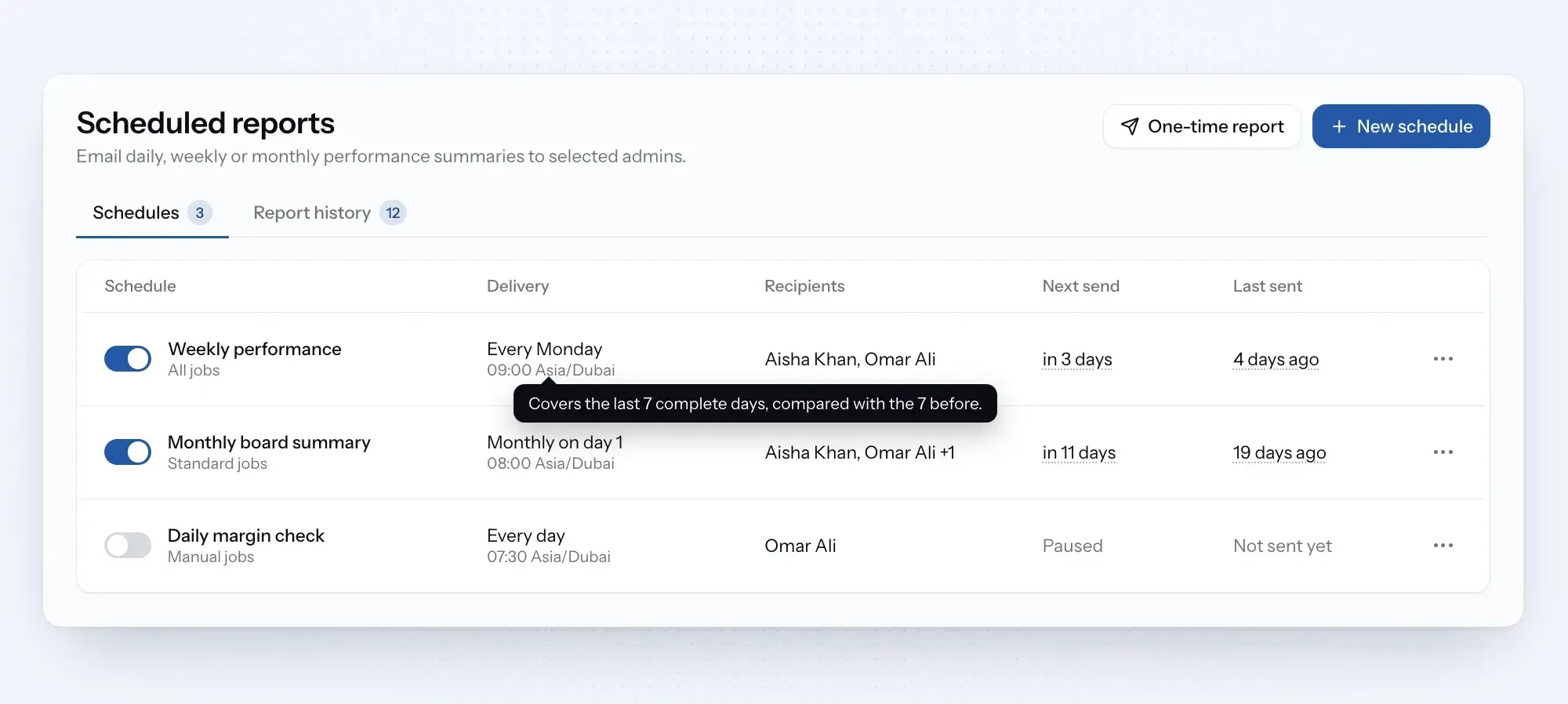
Organization admins can schedule a daily, weekly or monthly report by email, or send a one-time report whenever it's needed. Each email highlights the key changes, links back to the full report and includes the complete job list as a CSV.
Every report you send is saved, so you can look back at the figures as they were. Need the data elsewhere? Export clients, jobs or tariff items as a CSV at any time.
New
Financial overview: see revenue, costs, net margin and margin rate for any period, compared with the period before.
Client and job insights: find out which clients, jobs, ports and vessels bring in the most margin.
Tariff insights: see how often each tariff item was used and what it earned.
Quote vs actual: compare what you quoted with what you actually made on each job.
Currency view: see the whole report in another currency, with the exchange rate shown.
Scheduled reports: admins can get a daily, weekly or monthly summary by email.
CSV export: download clients, jobs or tariff items to use in your own tools.