Meet the Maritime Directory, your new home for finding trusted maritime companies. Ship agents, suppliers, vessel owners, ship managers, charterers, brokers and more, all in one place and ready to work with. Browse freely and sign up when you're ready to reach out.
See it in action
Find the right partner, wherever you call
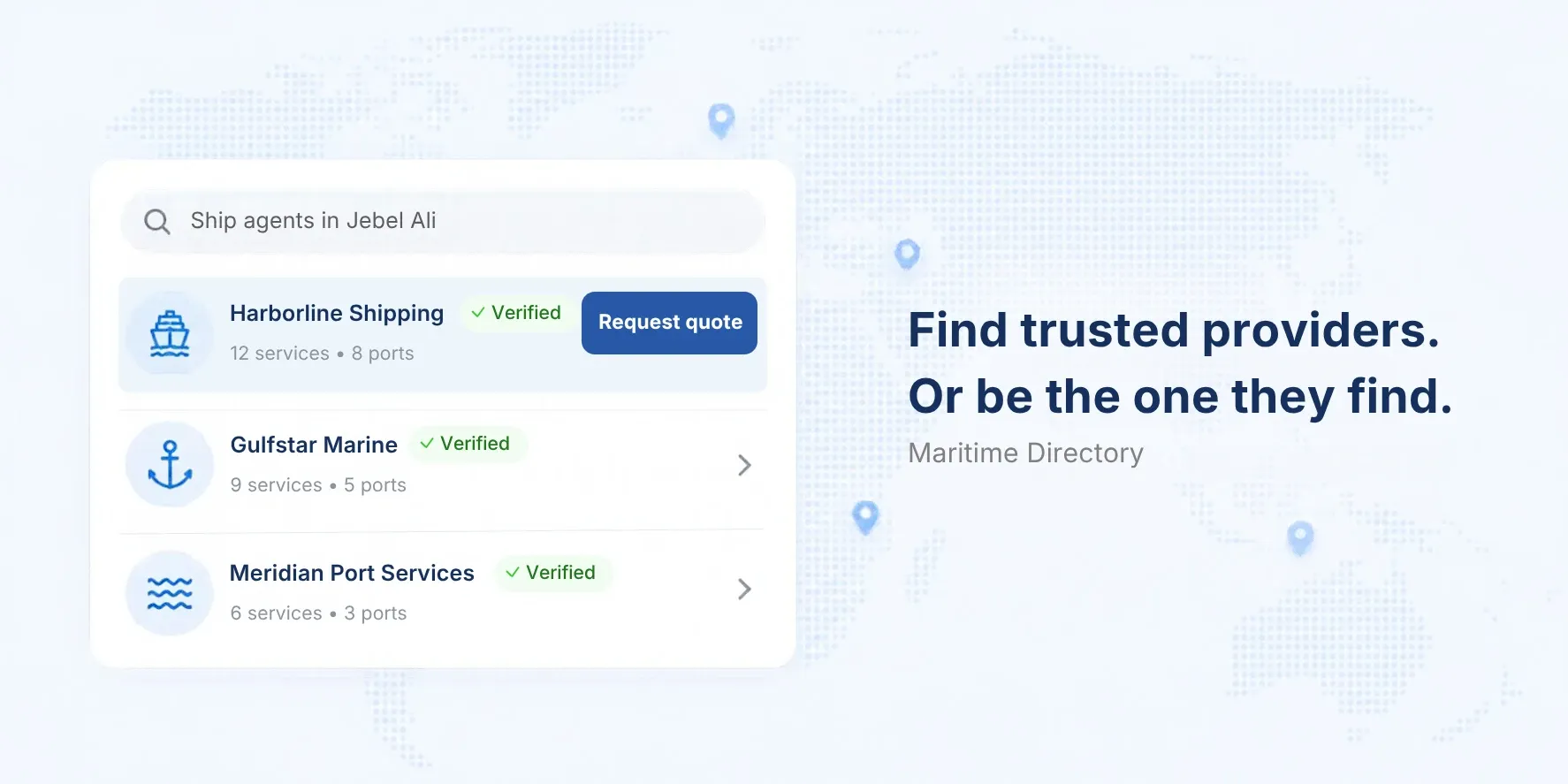
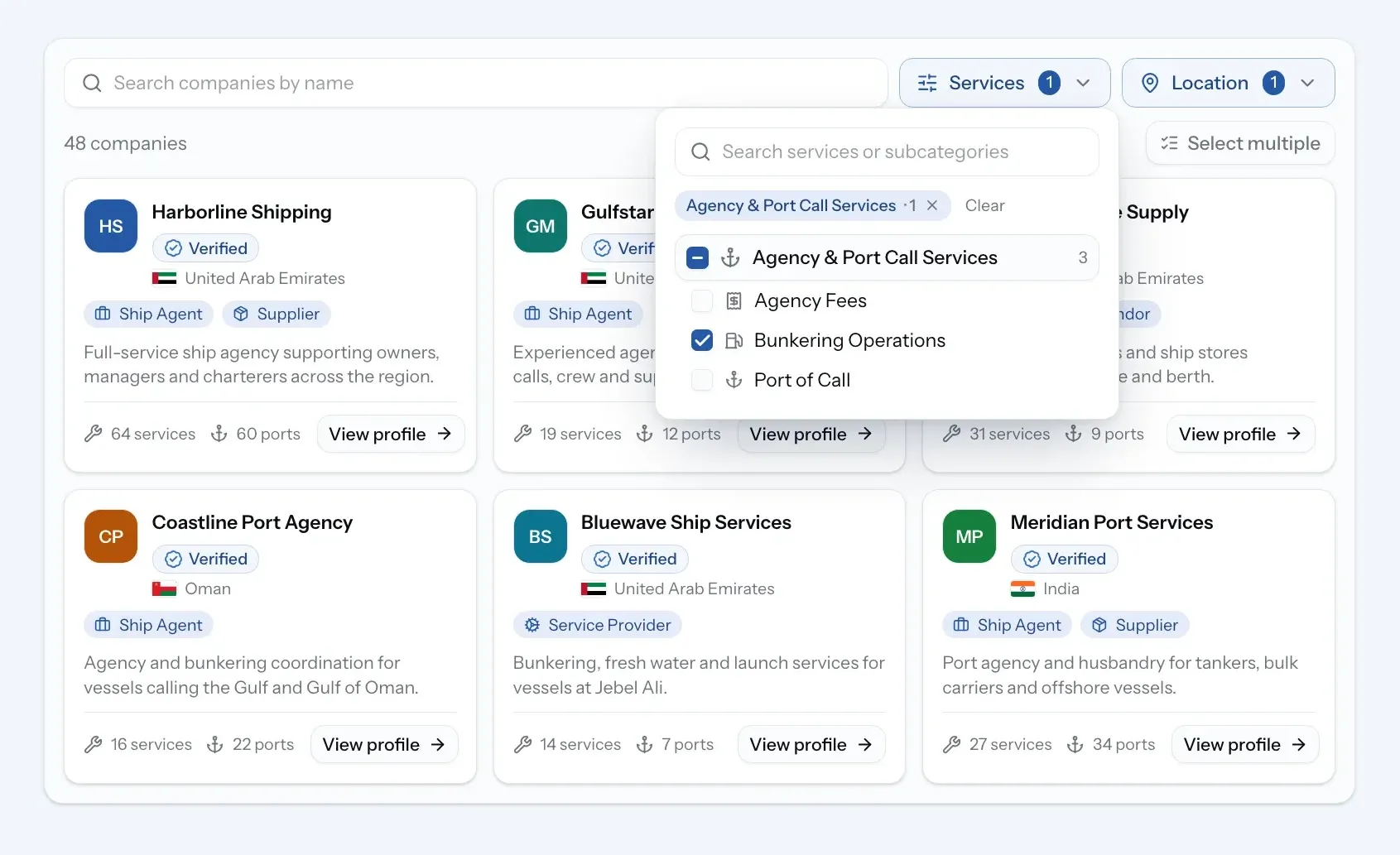
Finding a reliable agent or supplier in an unfamiliar port usually means asking around. The Maritime Directory brings verified companies into one search, so you can see who works where and what they offer in seconds.
Open Directory from the sidebar and search by port and service. Send a request to the companies you pick, or open it to every verified provider in the port and let them quote.
Your company profile
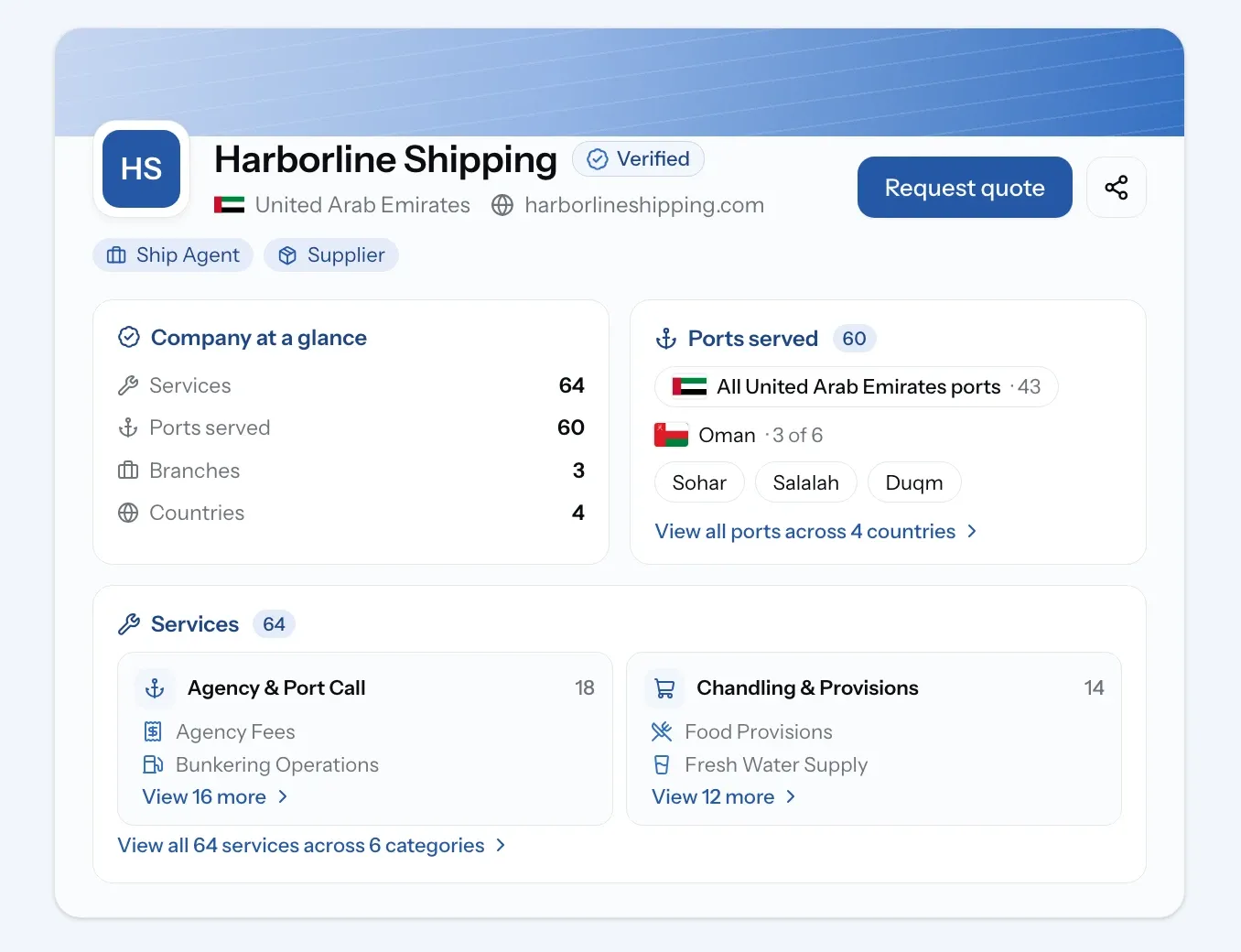
Every company on PortzApp gets a profile: one page that shows who you are, what you offer and how to reach you. Service providers list their services and the ports they cover. Owners, managers and charterers can show their fleet. You can add your logo, branches, references and certifications too.
Your profile stays private until you publish it. Once your company passes KYC verification, it goes live in the directory with the Verified badge. Find it under My Company Profile in the sidebar, or claim your listing if your company is already there.
New
Maritime Directory: find maritime companies of every kind in one place.
Company profiles: services, ports, fleet and contact details on one page.
Company verification: KYC checks, so you know every verified company is a real business.
Targeted and open RFQs: send a request to the companies you pick, or open it to every verified provider in the port.
Profile claiming: if your company is already listed in the directory, claim its profile from the company page and manage it as your own.
Improvements
Profiles in your work: open a company's profile straight from your requests, RFQs and jobs, without leaving the page.
Your role at sign-up: choose what best describes your work, one role or several, so your company shows up under the right types in the directory.
Setup checklist: after sign-up, a simple checklist walks you through verifying your email and company, creating your profile, and picking up any quote request or claim you started before joining.